How to Change your Billing Address
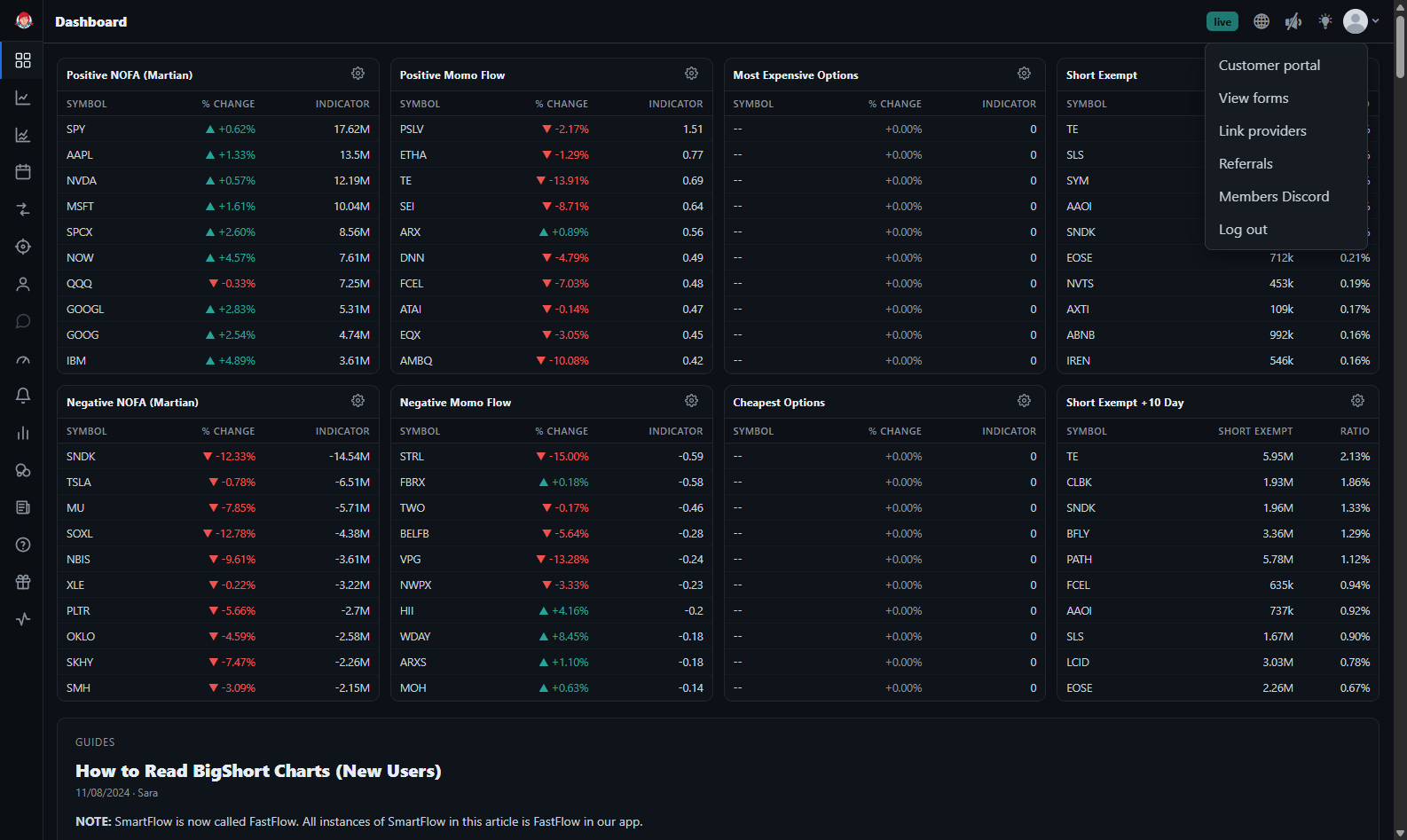
To change your billing address, sign into app.bigshort.com, then click on the down caret in the upper right-hand corner, and select "Customer Portal."
You'll be redirected to our Stripe Portal. UnderBilling Information , select "Update information". From here, you can update your name, address, and phone number. Then hit "Save", and you're all set!