How to Change your Subscription
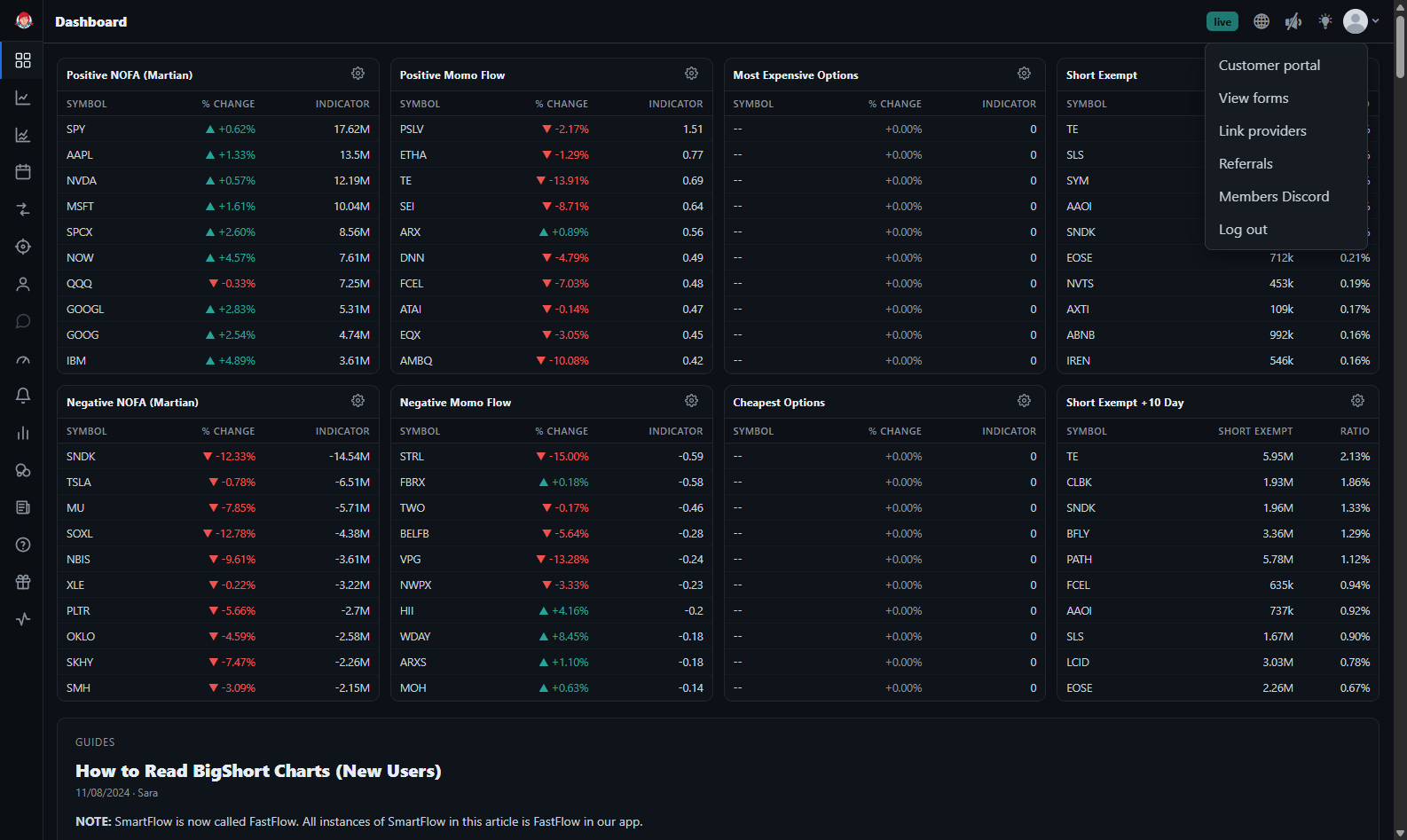
To change your subscription, sign into app.bigshort.com, then click on the down caret in the upper right-hand corner, and select "Customer Portal."
You'll be redirected to our Stripe Portal. From here, select "Update subscription." Then select the subscription type you'd like to change to, we offer either Monthly or Yearly. Then hit "Continue", and on the following page, select "Confirm".