How to Change your Payment Method
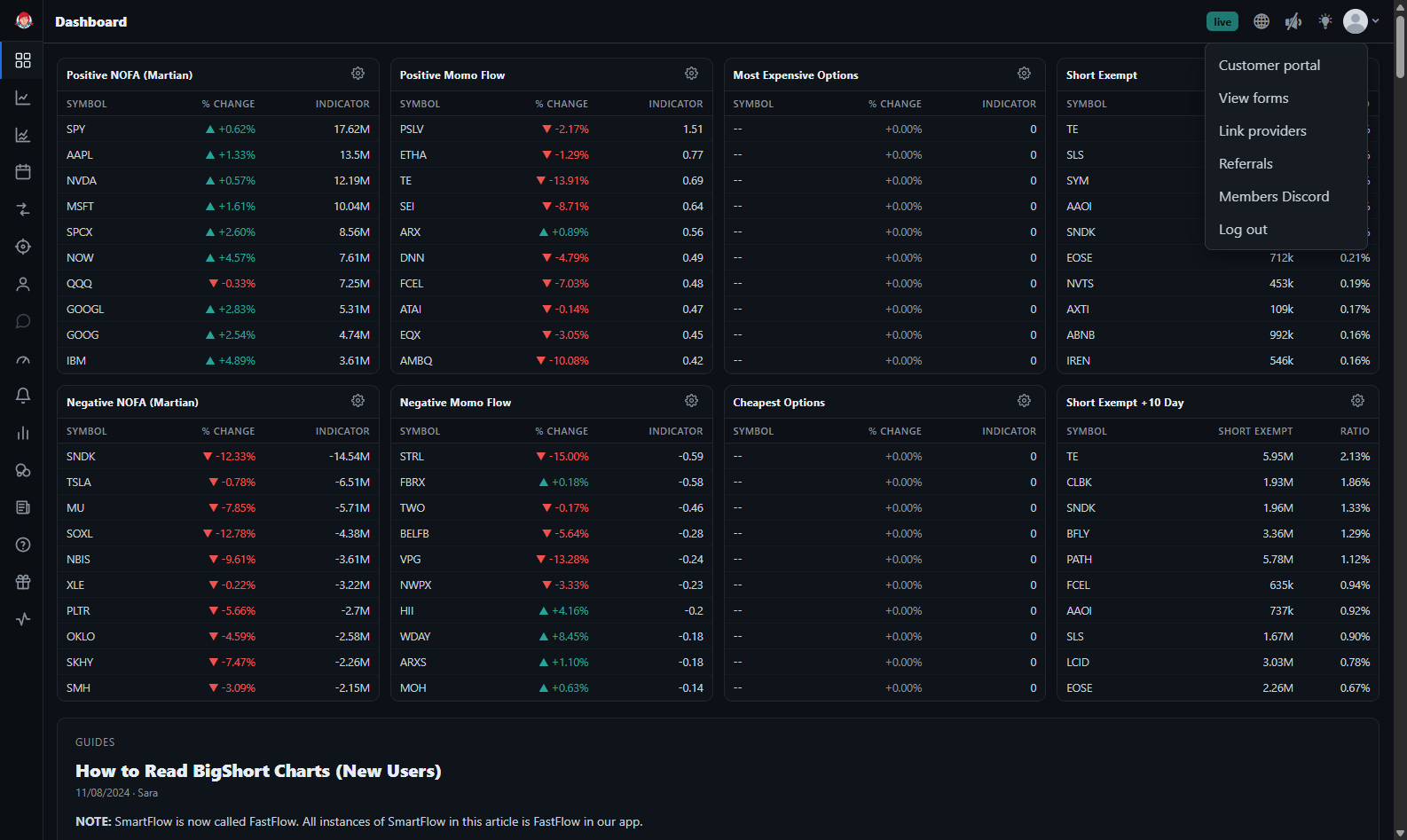
To change your payment method, sign into app.bigshort.com, then click on the down caret in the upper right-hand corner, and select "Customer Portal."
You'll be redirected to our Stripe Portal. From here, select "Add payment method" under Payment Method. You'll have a confirmation code sent to your contact phone number, be sure to enter that in. Your option are credit card, bank, or Google Pay. Enter your new payment method, and hit Add.