📈 The Main Chart
The main chart (app.bigshort.com/chart/SPY) is BigShort's per-symbol view: price on top, your enabled indicator panes stacked beneath it, and the side panels alongside. Swap the symbol in the URL (/chart/<TICKER>) or click through from any table in the app; a dated URL (/chart/<TICKER>/<YYYYMMDD>) replays a historical session.
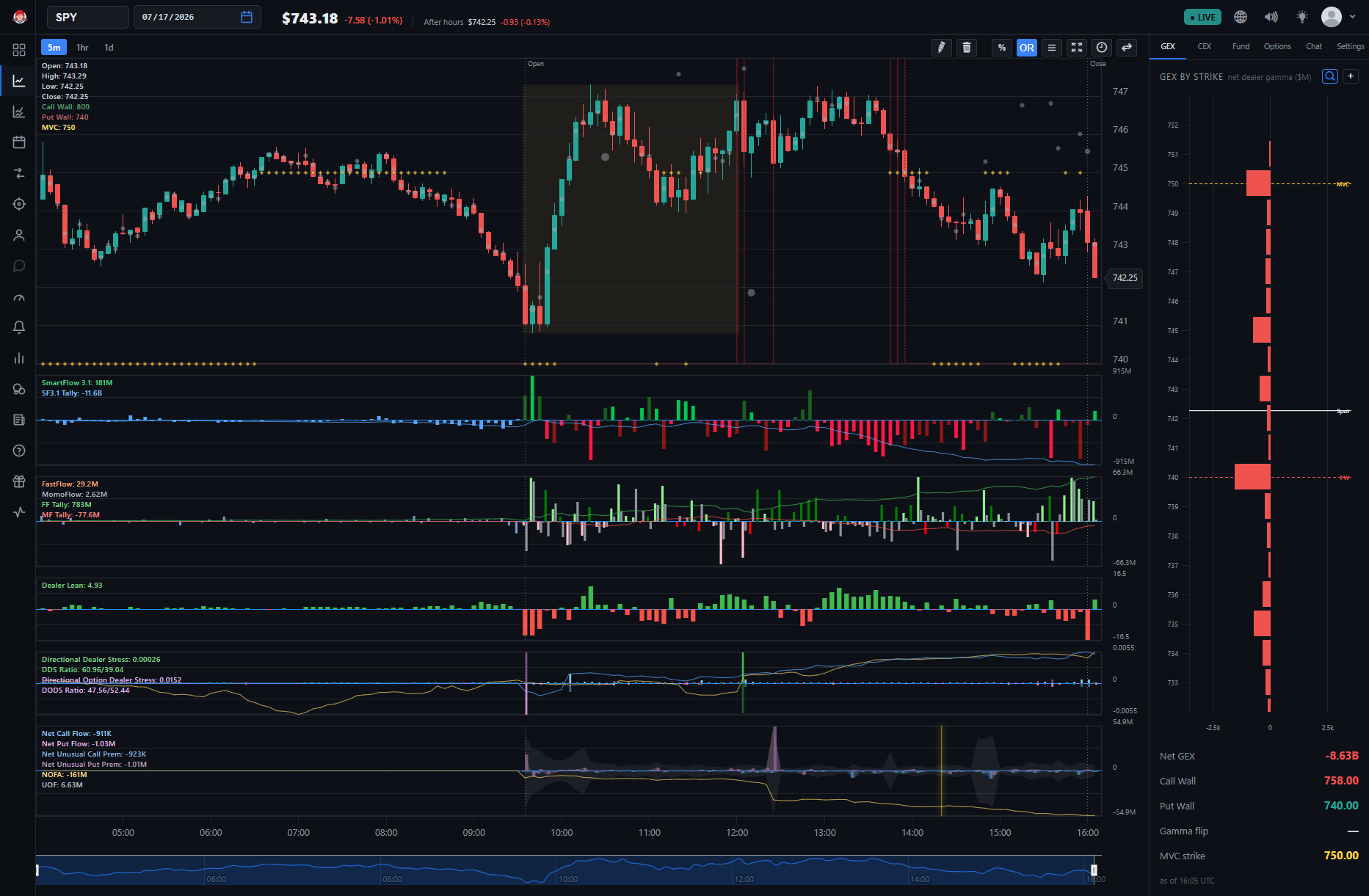
Everything on the chart is controlled from ⚙️ Settings, which mirrors how the indicator guides are organized — one settings group, one collection of guides:
- Traditional — price, volume, and the dark pool prints drawn on the price pane
- Core Flow — FastFlow and MomoFlow, Manipulation, and the dealer-stress family
- Option Flow — Net Option Flow and its companion panes
- Greeks — Skew, Gamma walls and hedge-pressure levels, and Charm
- BigShort Elite Indicators — SmartFlow 3 / 3.1
For which indicator works on which chart, see the Indicator Availability Matrix. For a guided tour of the chart's controls and layout, start with Charts & Navigation.
See Also
- Ultraflow (UF) Chart — the index-wide companion chart with its own Elite set
- Getting Started for New Users — what to focus on first